Stop recasting your lead in every scene.
Build your scenes around the same character references. Keep the story moving—and your cast recognizable. Plan the shots, review the images, then bring them to life.
Your story needs a cast, not a new face every shot.
Three core features that make your videos stand out
A Recognizable Cast
Use character references to guide appearance across scenes. Review each shot: faces, clothing, and details may need another pass.
Style Control
Define and control visual styles using reference images. Create videos in anime, realistic, cartoon, or any custom style you want.
Multi-Scene Stories
Create complete short films with 2-6 scenes. Each scene has unique visuals, voiceover narration, and seamless transitions.
How It Works
Create professional character-consistent videos in 6 simple steps using our powerful AI workflow
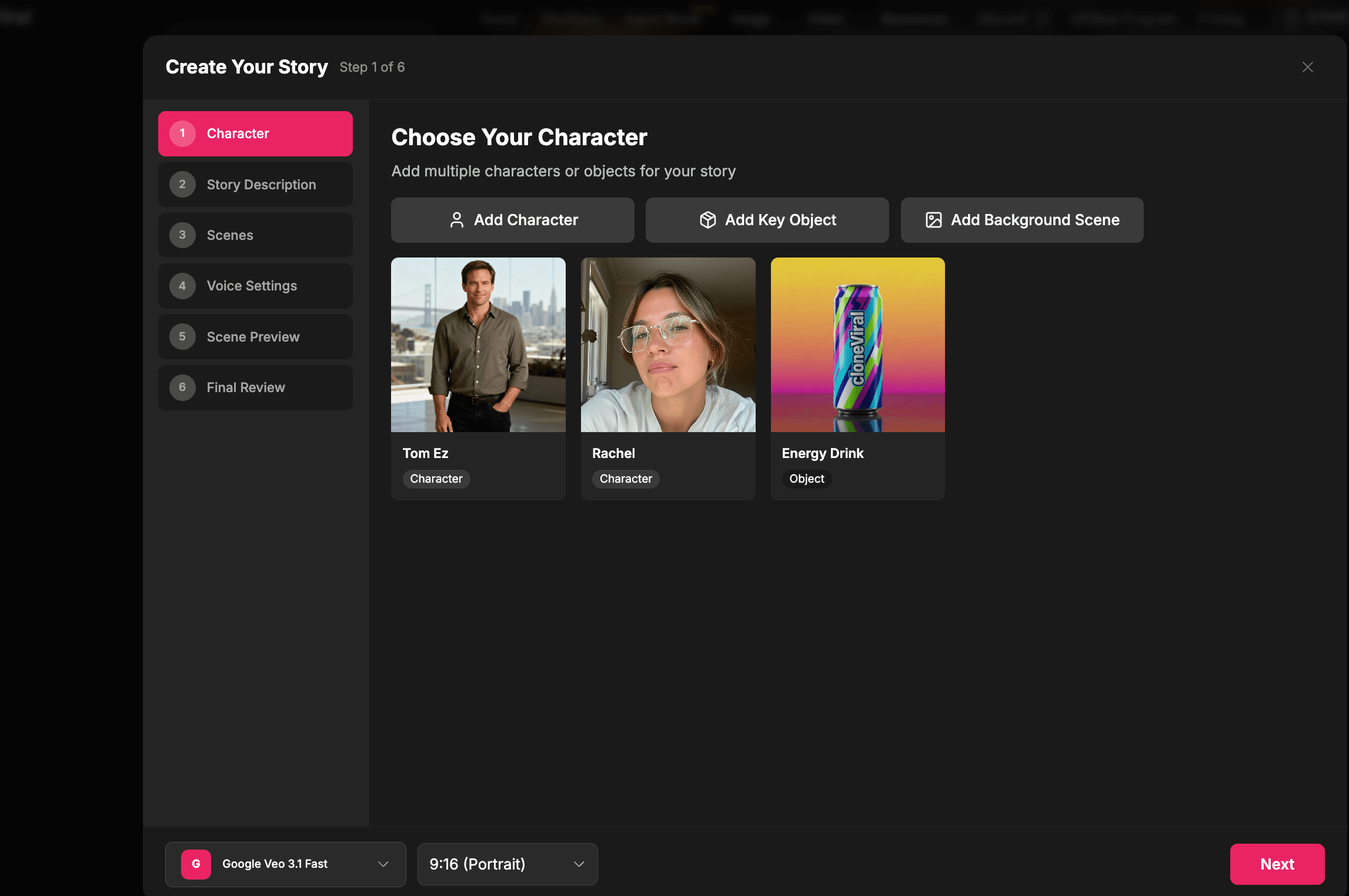
Upload Your Character
Start by uploading a character image or selecting from your character library. This character will be your reference for maintaining consistency across all scenes. You can also add key objects or background scenes.
- Upload character images (JPG, PNG)
- Select from character library
- Add optional objects or background scenes
- AI analyzes character features for consistency
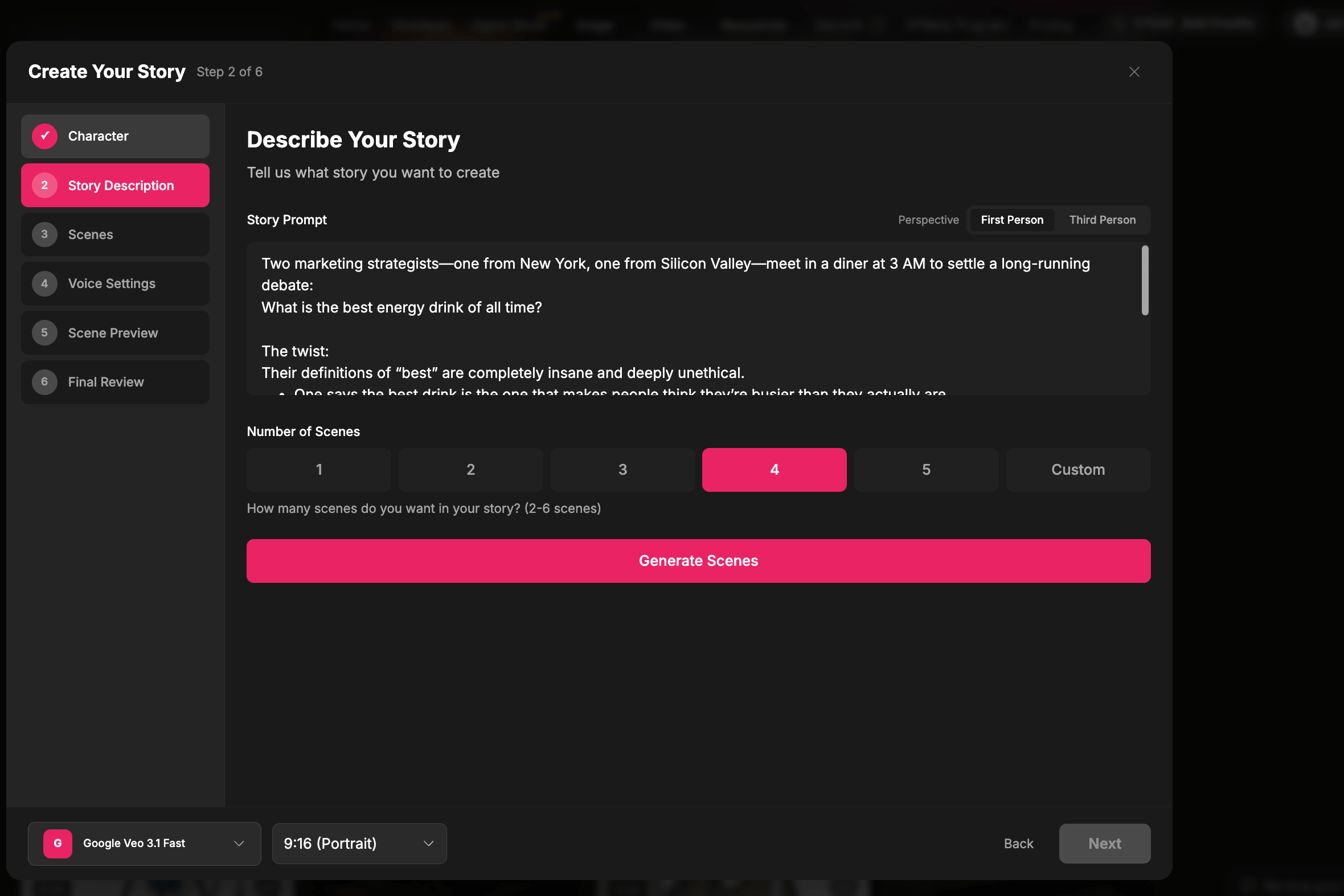
Define Your Story
Describe the story you want to tell. Our AI will automatically generate 2-6 scenes based on your description, creating unique prompts and voiceover text for each scene.
- Write a story description
- Choose number of scenes (2-6)
- Select narration perspective
- AI generates scene prompts and voiceover
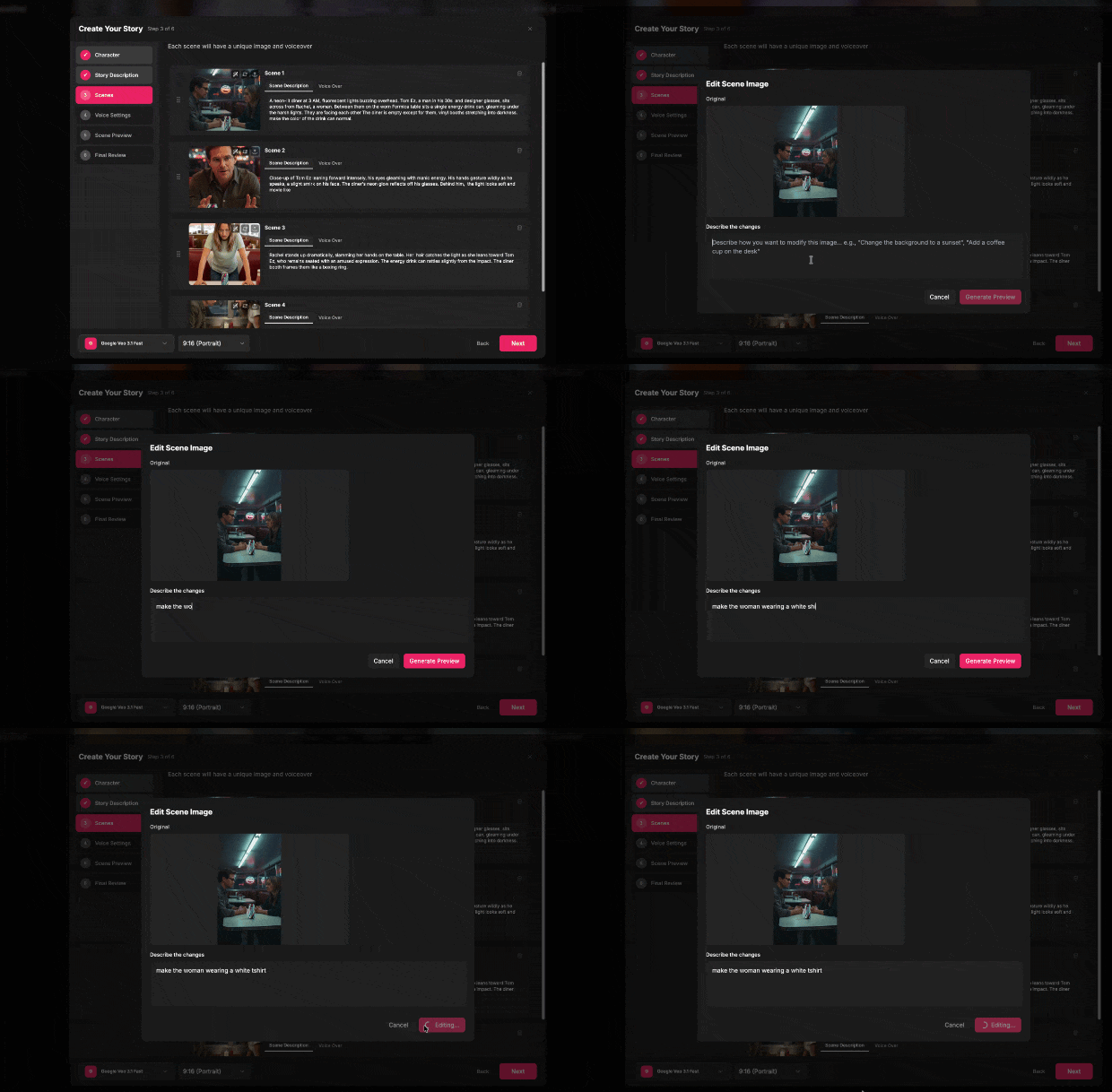
Generate Scene Images
Using Nanobanana AI, we generate images for each scene. Your character reference ensures consistency, while style references control the visual aesthetic. Each image maintains character identity while fitting the scene context.
- Character reference for consistency
- Style reference for visual control
- Scene-specific prompts
- Edit or regenerate any scene
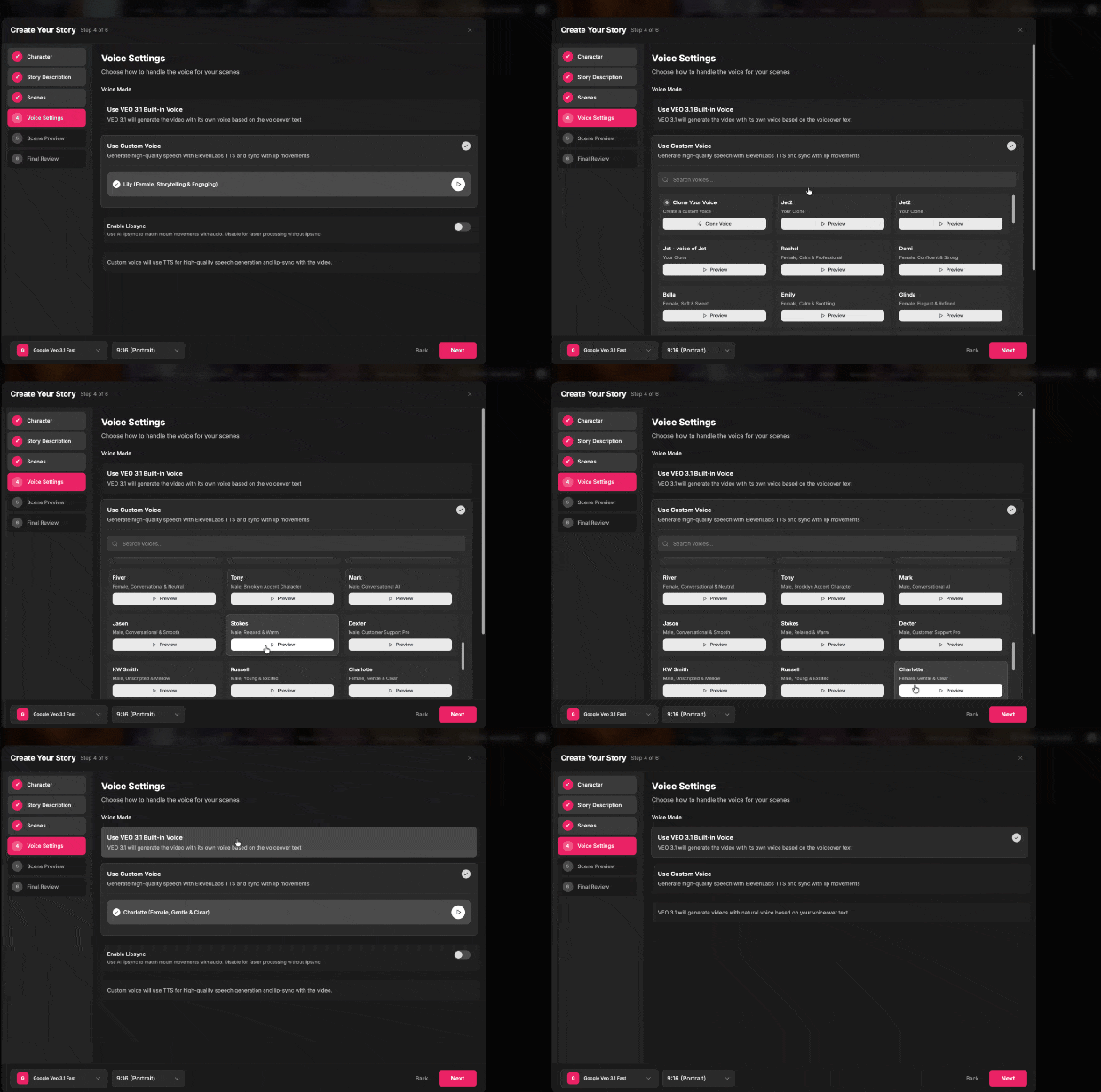
Configure Voice Settings
Choose between VEO 3.1 built-in voice or custom ElevenLabs voices. Enable lipsync for perfect mouth movements synchronized with audio, or disable for faster processing.
- VEO 3.1 built-in voices
- ElevenLabs custom voices
- Optional AI lipsync
- Voice cloning available
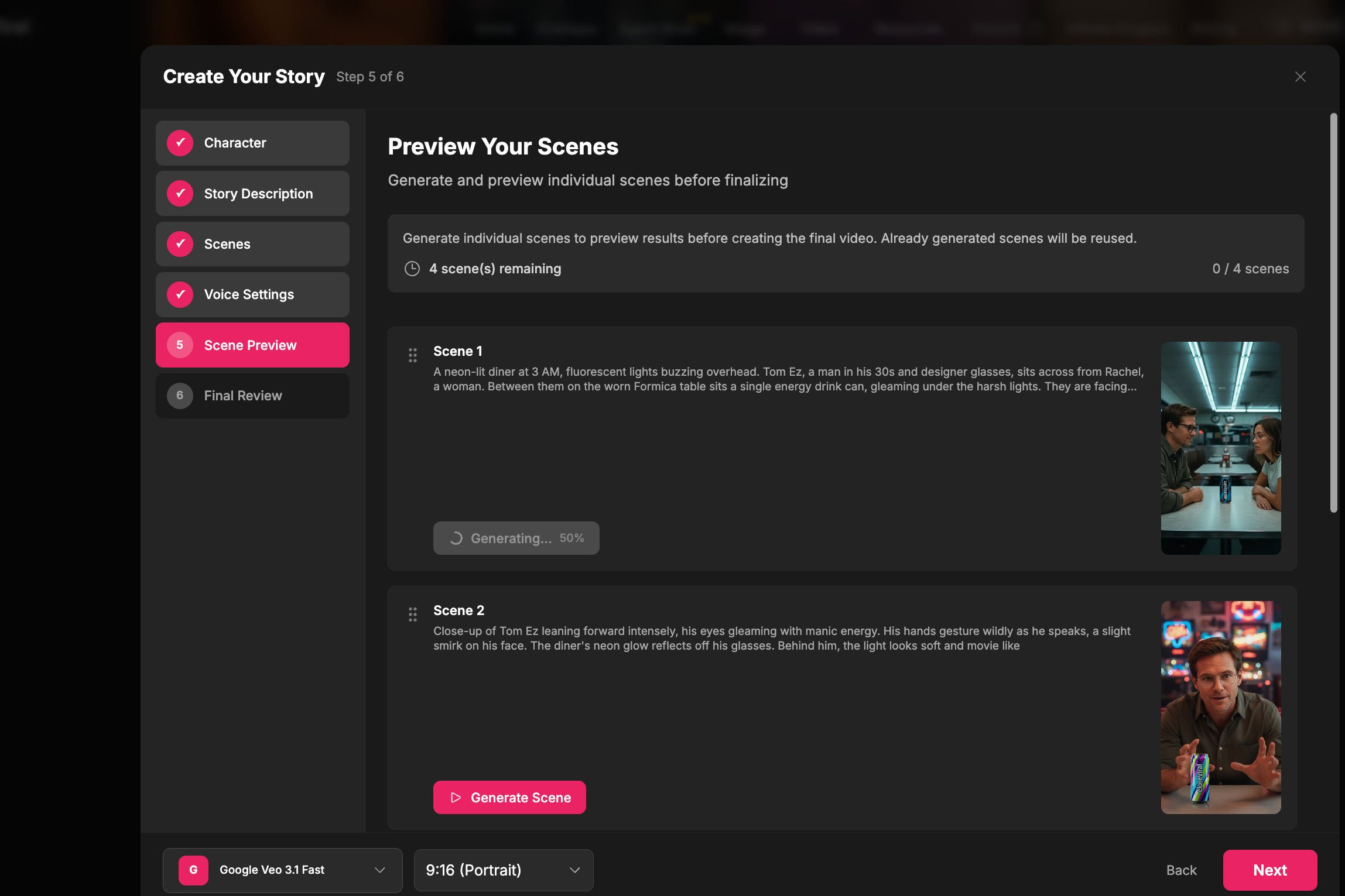
Generate Video Clips
Each scene image is transformed into a video clip using VEO 3.1 AI. Videos include character animations, lip movements (if enabled), and voiceover narration perfectly synchronized.
- VEO 3.1 video generation
- Character animation
- Synchronized voiceover
- Preview individual scenes
Compile & Add Music
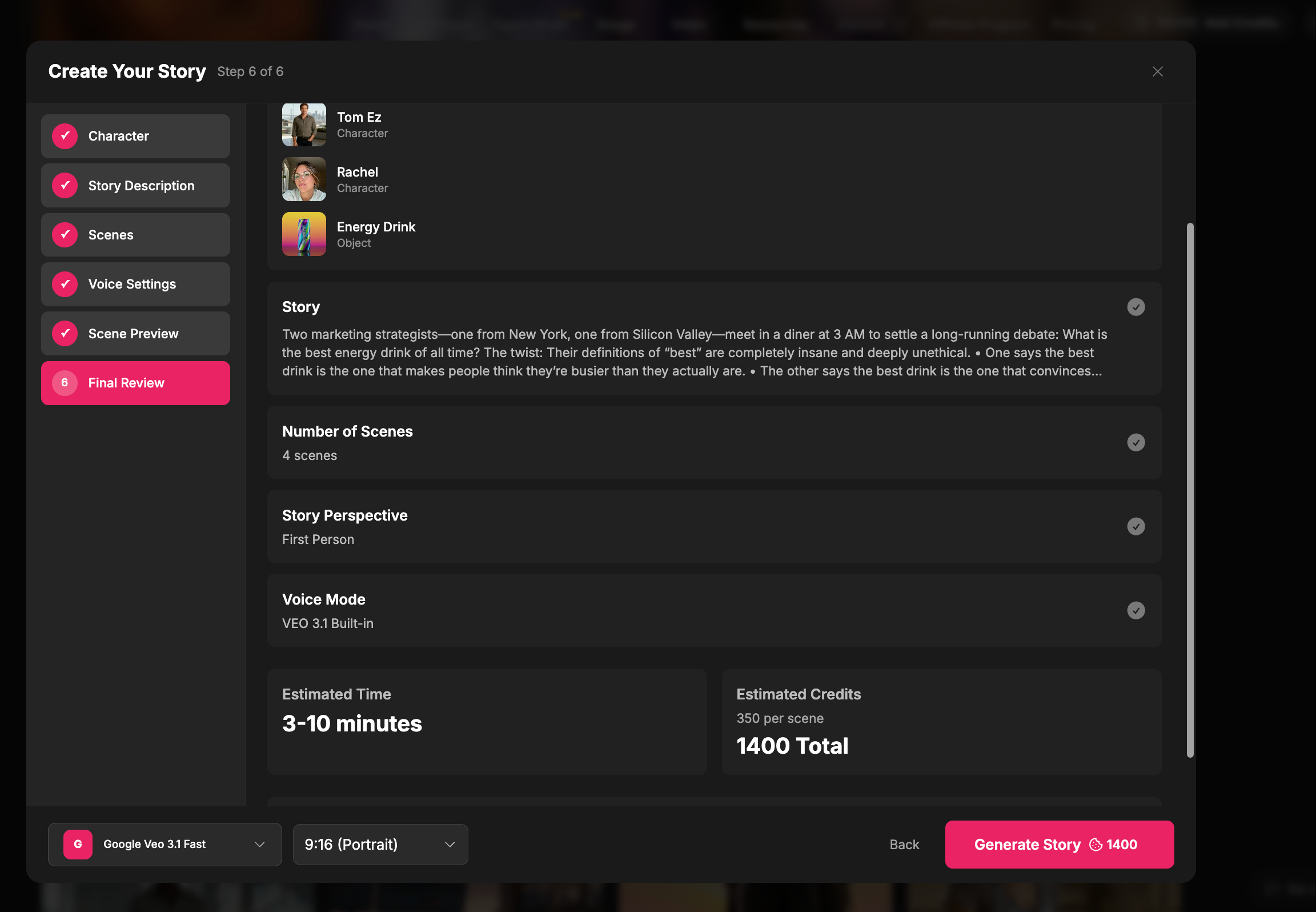
All video clips are automatically merged into a complete short film. Add background music with AI generation to enhance the storytelling. Download and share your final video.
- Automatic video merging
- AI background music generation
- Volume control for BGM and voice
- Download in MP4 format
Perfect For
Multiple use cases for content creators, marketers, and storytellers
Social Media Content
Create engaging TikTok, Instagram Reels, and YouTube Shorts
Marketing Videos
Product demos, explainer videos, and ad creatives
Educational Content
Tutorial videos, course content, and storytelling
Character Stories
Animated stories, character introductions, and narratives
UGC Content
User-generated content style videos for brands
Video Storyboards
Pre-visualize scenes before production
Creative Projects
Art projects, experiments, and creative expression
Entertainment
Comedy skits, mini-shows, and entertainment content
Frequently Asked Questions
Common questions about character-consistent video generation
Ready to Create Your First Character-Consistent Video?
Join thousands of creators making engaging video content with AI. Get started today.