Direct Cinematic Shots with AI
Pick a preset, write the shot, hit generate. Cinematic frames and camera moves in one workspace.
References0/∞
Describe the shot — a lone astronaut on a rain-soaked rooftop, city lights below…
How Director Studio works
01
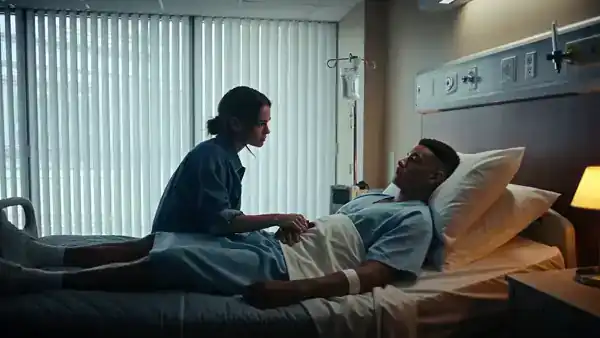
Describe the shot
Write the scene in plain language, or let Expand shot turn it into a full cinematography brief.
02
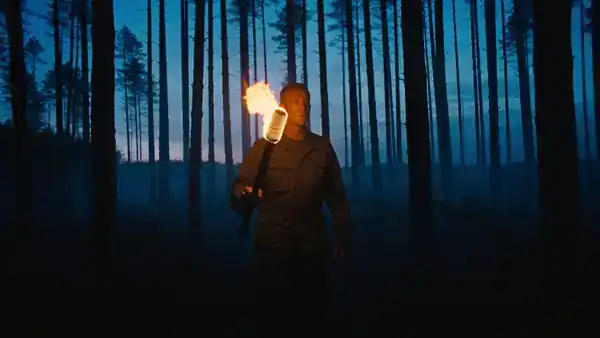
Choose a look
Film stocks, lighting setups and genre grades — every look is a tuned prompt, not a filter.
03
Pick a camera move
Crash zooms, 360 orbits, bullet time, FPV drone flights and more, applied to your generated frame.
04
Roll camera
The frame becomes the first frame of your video, animated by the motion model you choose.